iPhone and Android app
Reunily for iPhone and Android
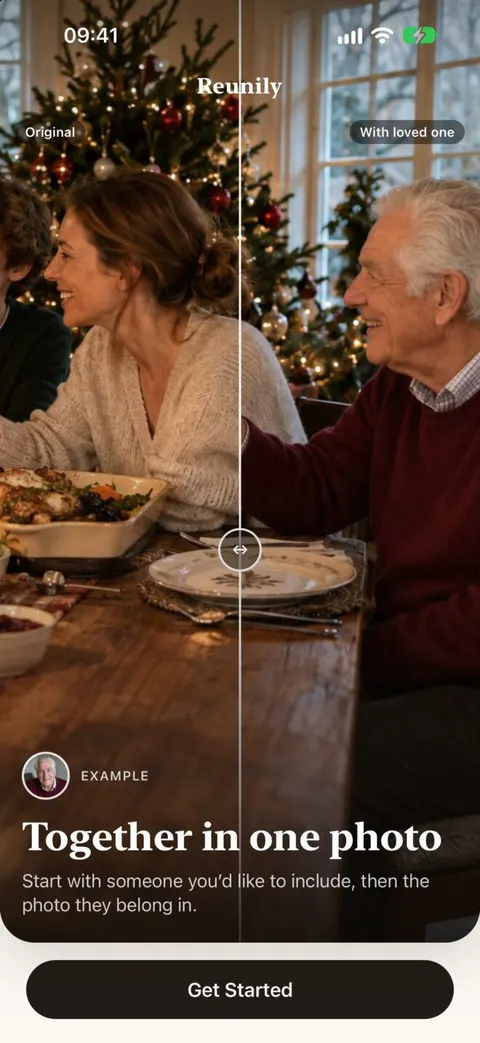
Add someone you miss to a photo that matters. Choose the photo, add your loved one, show where they belong, and pick a look.

On the App Store as “Reunily: Add Person to Photo”. The App Store link goes live at launch. English at launch, more languages later. Requires an internet connection.
What’s inside
Built around likeness
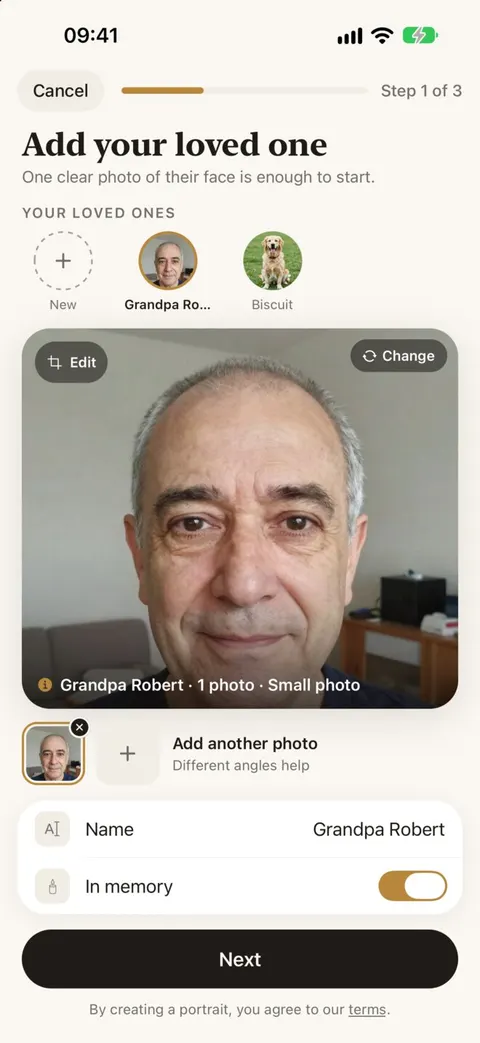
Add up to four photos of your loved one. The app checks each one for a clear, sharp, front-facing face before you start.
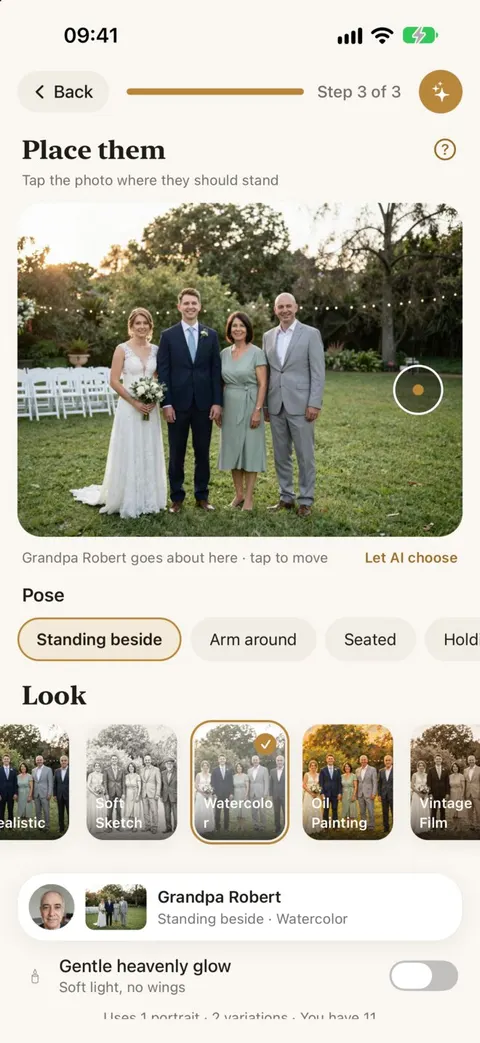
You decide where they stand
Tap the spot and pick a pose: standing beside, arm around, seated or holding hands. Or let Reunily find the natural place.
Real or artistic
Realistic, Heavenly Light, Oil Painting, Watercolor, Soft Sketch and Vintage Film. Every look costs the same.
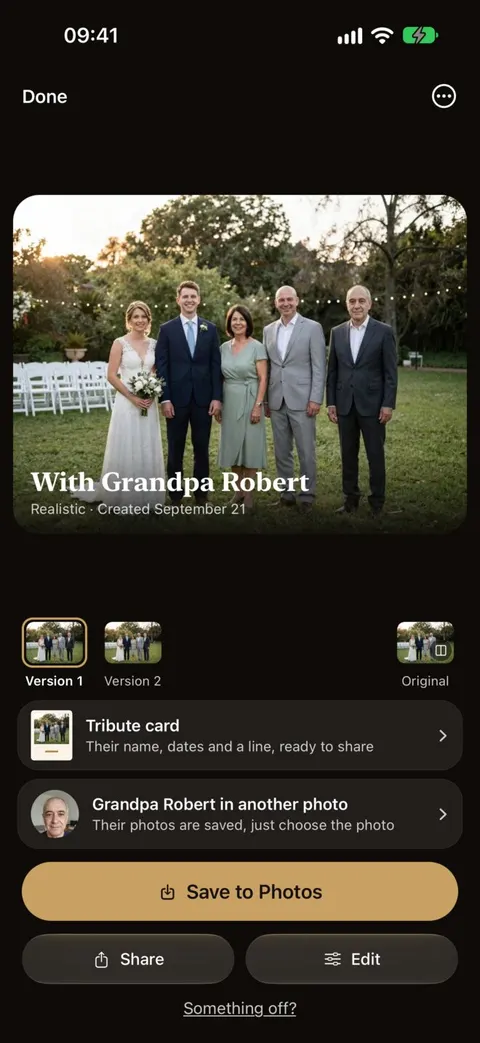
Two versions, every time
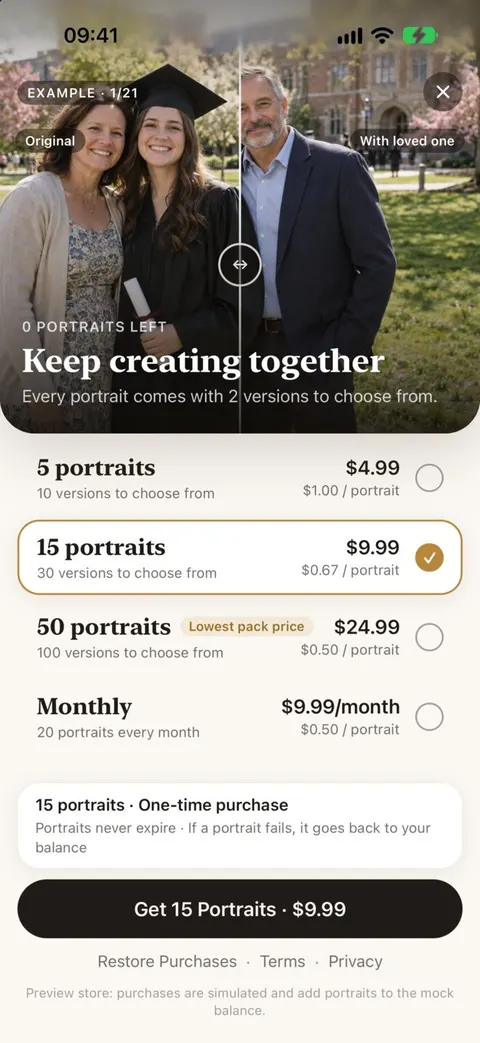
Each portrait gives you two versions. If something is off, ask for one free retry.
Nothing lost
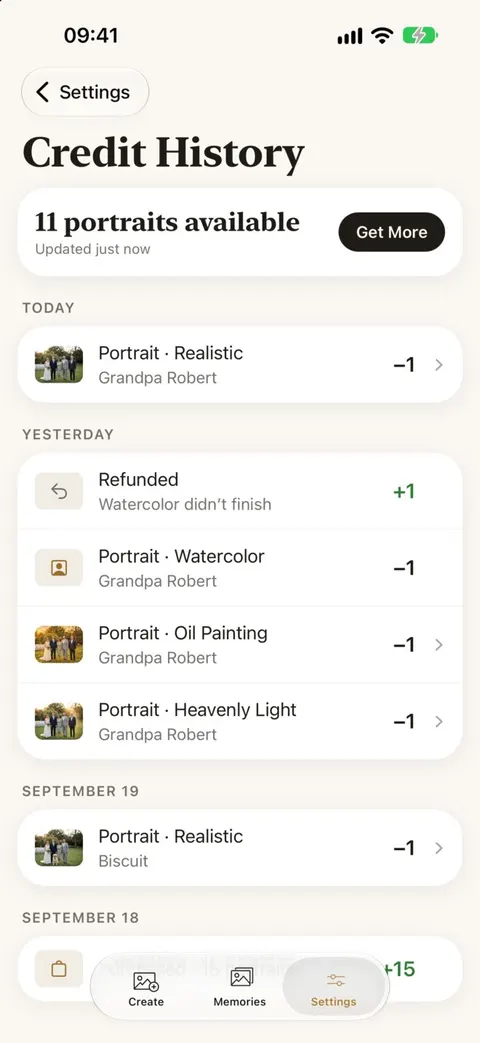
Failed portraits are refunded automatically, and Credit History shows every change to your balance.
Memories and tribute cards
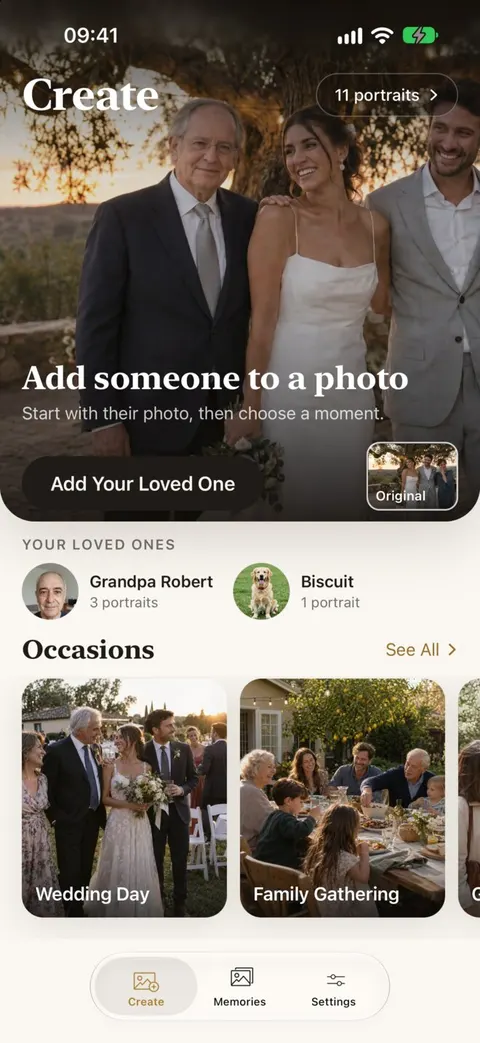
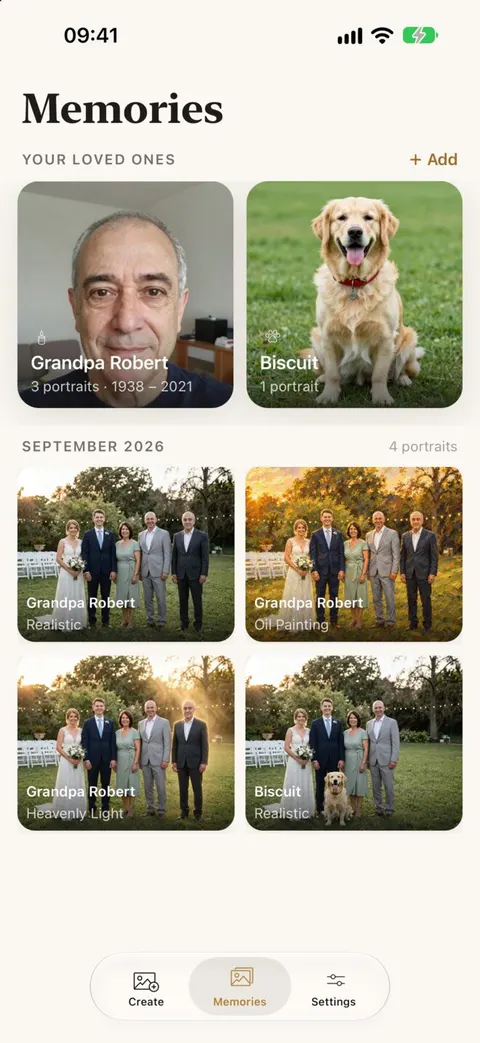
Portraits gather in an album for each person. Turn one into a card with their name, dates and a line.
No account needed
Start right away. Sign in with Apple only if you want to keep your unused credits when you change phones.
Private by design
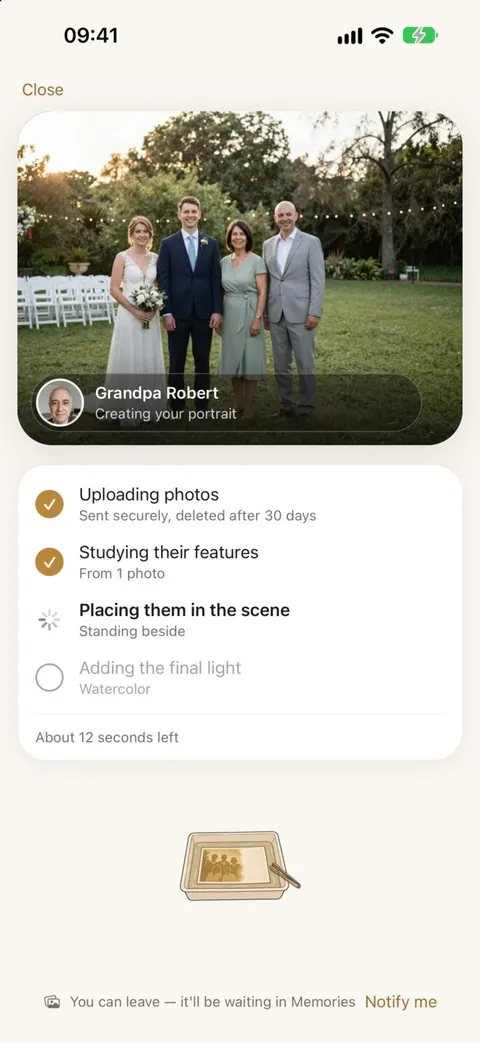
Uploads are deleted after 30 days and never used to train AI. Delete everything with one button.
A look around the app
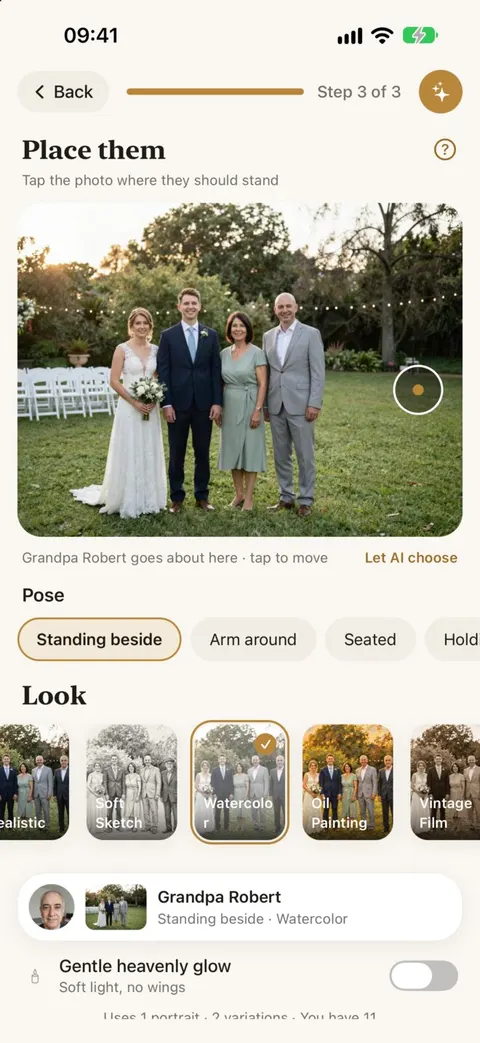
Reunily development screenshots with a fictional family. The released app may differ in small details.
Android
Reunily is now available on Android. Download Reunily on Google Play to add someone you miss to a photo that matters.
Good to know
- Pricing: packs from $4.99 and an optional monthly plan. No free trial.
- Privacy policy: every company that handles your photos, and for how long.
- Support: contact, restoring purchases and refunds.
Keep them in the picture
Choose a photo, add your loved one, pick a look. Every portrait comes with two versions to choose from.