In the background
A picture with your loved one in the background
Sometimes you don’t want them front and center. You want them there the way they always were: a step behind, at the edge of the group, quietly part of the day.

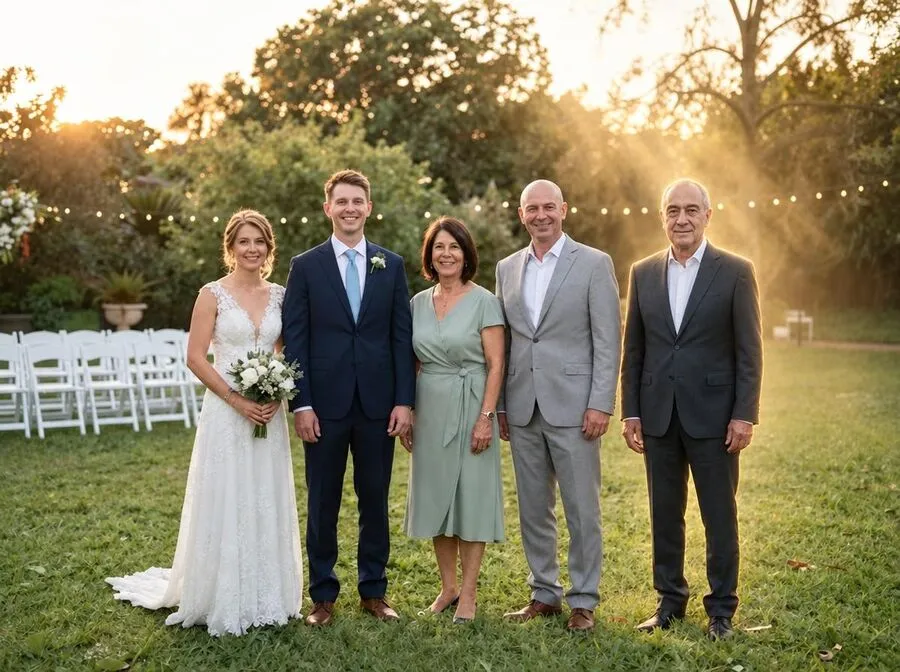
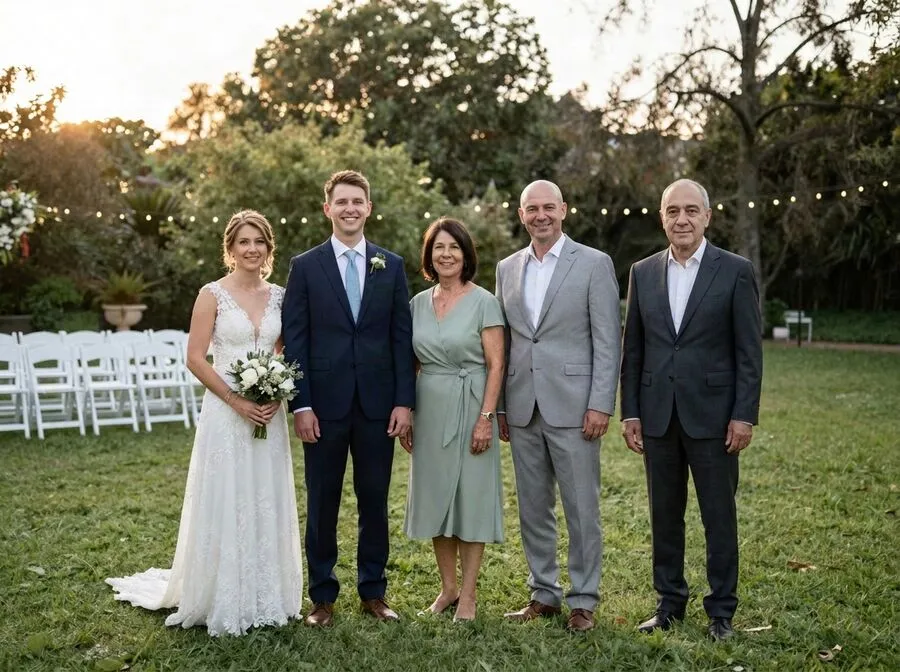
Solid, not see-through
Many “loved one in the background” pictures online are made by laying a faded photo over another one. The person ends up half-transparent, often at the wrong size, and the result can feel more like a ghost story than a memory.
Reunily does it differently. Your loved one is placed in the scene as a real person with their own shadow, in the same light as everyone else. They are there the way they would have been if they had stepped into the shot.
Beside you, or softly behind
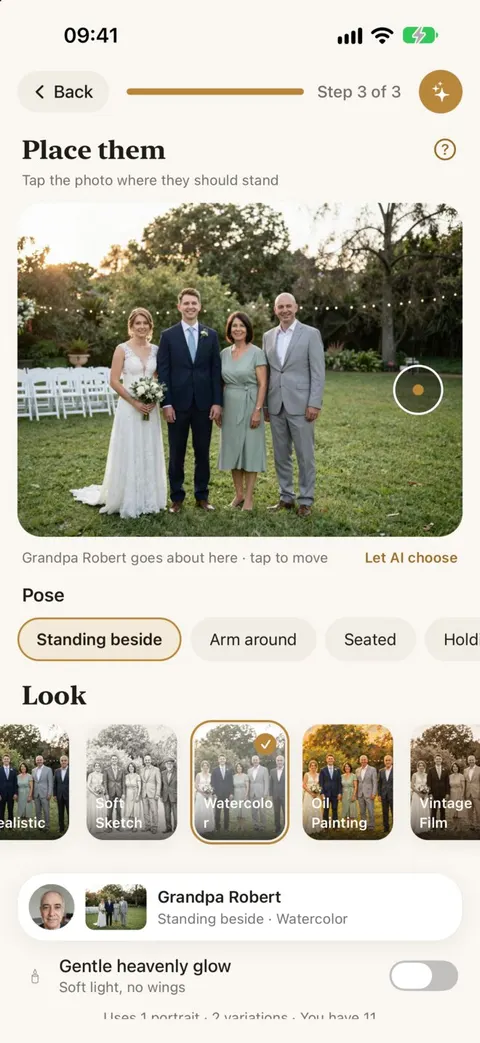
You decide where they go. With Let AI choose the spot on, Reunily finds the natural gap, usually at the end of the row. Turn it off and tap a spot behind the group, or just behind someone’s shoulder, to keep them in the background. The further back you tap, the smaller they appear, the way real people do.
When a soft glow feels right
For a memorial print, some families want a hint that this picture is different. Heavenly Light adds soft light rays and a warm rim of light around your loved one only. There are no wings, no halo, and no transparency. Everyone else stays exactly as they were.
With the other looks, you can switch on a gentler version, the heavenly glow, which adds soft light without changing the style.
On iPhone, in three steps
- Open Reunily and choose the photo from your library.
- Add one to four photos of your loved one. A clear, front-facing one matters most.
- Turn off Let AI choose the spot, tap where they should stand, pick a pose, and choose a look.
You get two versions to choose from, usually within a minute or two. Save the one you like to your Photos.
Background photo questions
Can I make them faded or see-through, like a ghost?
Not in Reunily. We tried it, and see-through figures tend to look unsettling rather than comforting. Reunily always adds your loved one as a real, solid person. If you want a softer, memorial feel, choose Heavenly Light or turn on the gentle heavenly glow.
Can they be further back, smaller than everyone else?
Yes. Turn off Let AI choose the spot and tap a place further back in the scene. Reunily sizes them for that distance, so they look like they are standing a few steps behind rather than floating.
Can I do this on my iPhone?
Yes, that is where Reunily works today: choose the photo from your library, add theirs, tap where they should stand. The whole thing happens in the app. Android is coming.
Which photos make a good background scene?
Photos with some depth: a garden, a living room, a beach, a hallway. If everyone stands right against a wall, there is no “behind” to put someone in, and beside is the better choice.
Keep them in the picture, the way they were
Choose a photo, add your loved one, pick a look. Every portrait comes with two versions to choose from.